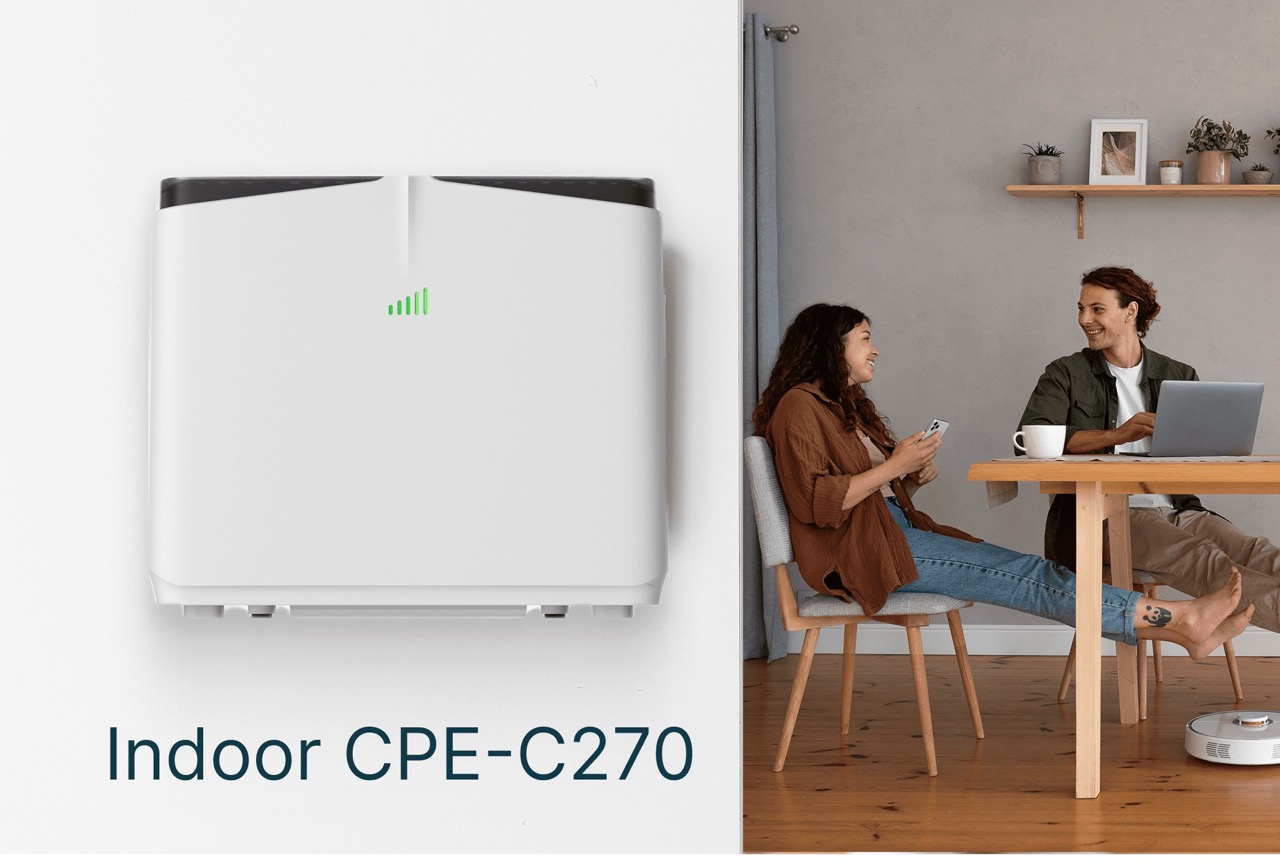
Ensuring reliable 4G connectivity is essential for homes, offices, and SMEs that depend on high-speed broadband. Many operators and users encounter common issues with Wewins cat6 router devices, such as intermittent connection, slow downloads, or difficulty in device setup. They design the CAT6 CPE-C270 to address these challenges by providing dual external antennas, multiple Gigabit Ethernet ports, and 802.11 b/g/n/ac dual-band Wi-Fi, ensuring stable connectivity across diverse indoor environments. By understanding the common causes of disruptions, users can take simple troubleshooting steps to maintain high-speed service and avoid prolonged downtime.
Signal Strength and Coverage Solutions
Weak signal reception is one of the most frequent problems experienced with a cat6 cpe. Physical obstacles, building materials, or distance from the base station often reduce performance. They equip the C270 with high-gain external antennas and optional SMA interfaces to allow flexible positioning or connection to external antennas. Users are advised to position routers in open areas and avoid metal obstructions. Adjusting network bands, choosing the right LTE frequencies, and enabling dual-band Wi-Fi settings can also enhance coverage and prevent intermittent connectivity. These practical adjustments improve overall signal reception and maintain consistent high-speed access for multiple devices simultaneously.
Firmware Updates and Configuration Tips
Outdated firmware or incorrect configuration is another common source of connectivity issues. They recommend regularly updating the Wewins cat6 router firmware to the latest release to fix software bugs and improve network stability. The C270 supports operator customization, including UI, logo, packaging, and configuration settings, making it suitable for diverse network environments. Correct APN settings, verification of network compatibility, and reviewing router logs help diagnose connection drops and slow speeds. Users can also reset router settings to default when experiencing unexplained errors, ensuring optimal LTE Cat6 performance.
Hardware Maintenance and Power Management
Hardware interruptions, such as power loss or Ethernet port issues, may disrupt service. They design the CAT6 CPE-C270 with a 4000 mAh backup battery that maintains continuous service during outages. Users should regularly check all cable connections, ensure ports are not damaged, and perform periodic device resets. Dual antenna maintenance and proper device handling extend the lifespan of the router while reducing frequent troubleshooting needs. These practical measures help operators, ISPs, and distributors ensure smooth, reliable operation of LTE Cat6 networks.
Maintaining High-Performance Connectivity
Understanding and addressing signal, firmware, and hardware issues ensures the Wewins cat6 cpe performs reliably in home, office, and SME environments. The C270 combines carrier-grade design, dual-band Wi-Fi, optional VoLTE, and operator customization, making it a versatile choice for LTE Cat6 deployment. By proactively troubleshooting common issues and following recommended practices, users can achieve uninterrupted high-speed broadband access and maximize the benefits of LTE Cat6 technology. This comprehensive approach helps maintain optimal connectivity, reduce downtime, and support efficient network operations.
